
I headed out with my camera on Tuesday evening, hoping to capture something to share today. Unfortunately, it wasn’t to be. The only thing I got was soaked. The rain was heavy and the light dreadful.
So, instead, I’ll share an old photo that I’ve just reprocessed.
When digital photography first became popular, I used to keep my RAW files but was worried that the software might not be able to read them in the future. Fortunately, this hasn’t become a problem, and interestingly, today’s software is much better at processing them. I would also like to think that my skills as a photo editor have improved over the years, too.
Here’s one photo that I decided to reprocess this week.
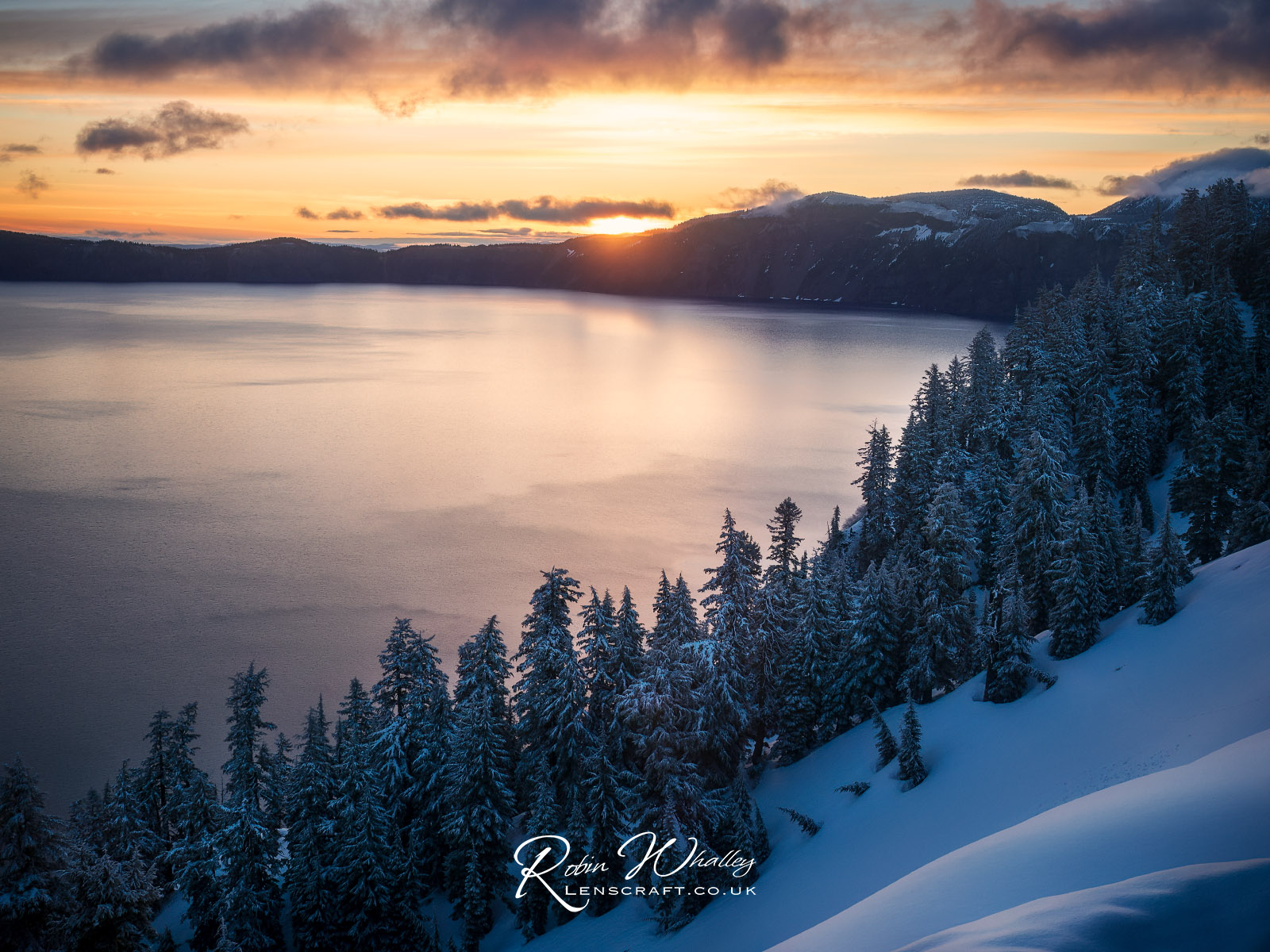
This was a handheld shot taken in 2016 using the Olympus EM5 (mark 1) camera and Olympus 12-40 Pro lens at 20mm. It’s a single RAW file exposure of 1/50 second at f/5.6 and ISO200.
I ran the RAW file through DxO PureRAW first, as there’s often a lot of noise in the shadows of Micro 43 RAW files. I then used Lightroom to develop the resulting DNG file from PureRAW. After that, I tweaked the contrast with the Pro Contrast filter in Nik Color Efex. I then finished with some dodging in Photoshop using a Luminosity Mask to bring out the snow in foreground trees.
This is much less processing than I would have done at one time, but I do prefer the more natural result this seems to give.
If you want to know more about how I do the Dodging and Burning with a Luminosity Mask, I published a video on YouTube demonstrating the technique. If you are interested in the different processing software I use, I have recently updated my review of recommended software on my Lenscraft website.
I hope you like the photo and have a great weekend.
 The Lightweight Photographer
Breathtaking
Thank you