
I’m currently having problems with my Mac and can’t post any images. Hopefully, I will have this resolved soon. In case you’re curious, the problems seemed to start last year when I tried to back up my hard drive. Each time I hooked up a disk drive it would be formatted by the Mac ready … Continue reading Sorry No Images
Author: thelightweightphotographer
I am a Landscape Photographer based in the North West of England. Unlike most photographers I believe smaller and lighter is better when it comes to cameras and equipment.
Friday Image No. 169
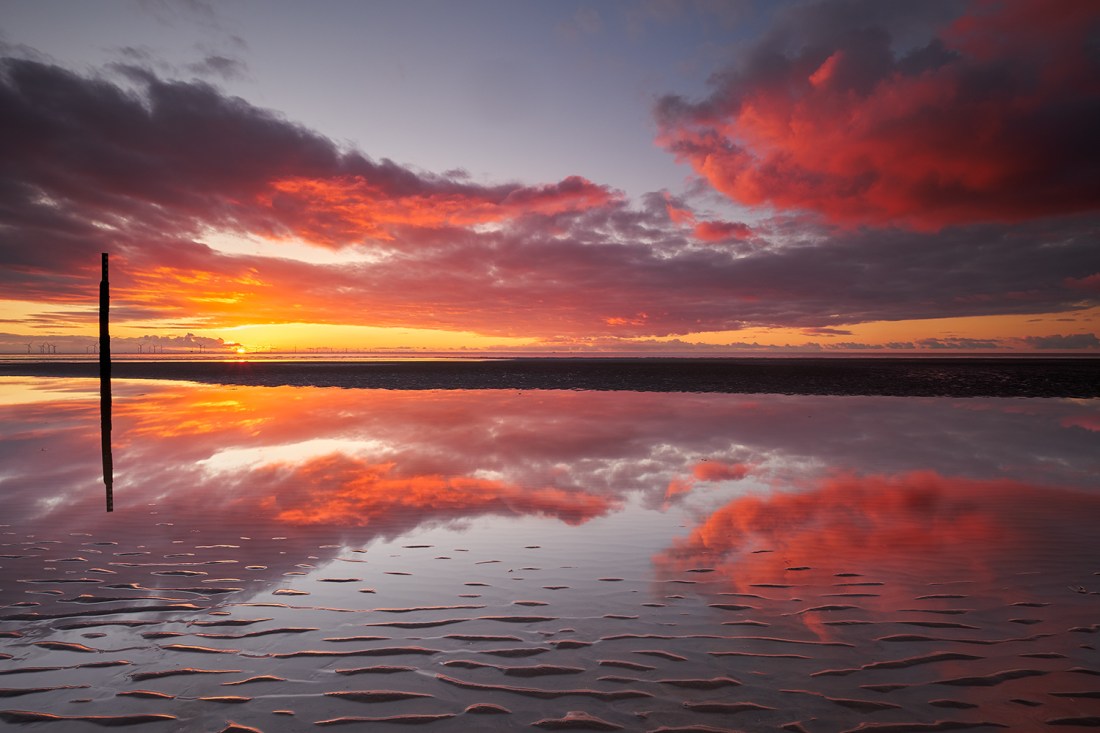
It’s felt like an eternity since I witnessed a good sunset or sunrise. But last weekend, I made a trip over to Formby with a friend and it was as if everything just fell into place. The day had been a little frustrating, alternating between too much cloud and not enough. As we sat on … Continue reading Friday Image No. 169
Lightroom CC Soft Proofing Bug and How to Fix It
A few days back I recorded a video to demonstrate how to soft proof a photo for printing, using Lightroom CC. Whilst making the video I noticed the Soft Proofing in Lightroom wasn’t working properly. Both my Mac and PC had the same problem and I couldn’t find the cause. In the end I recorded … Continue reading Lightroom CC Soft Proofing Bug and How to Fix It
Friday Image No. 168
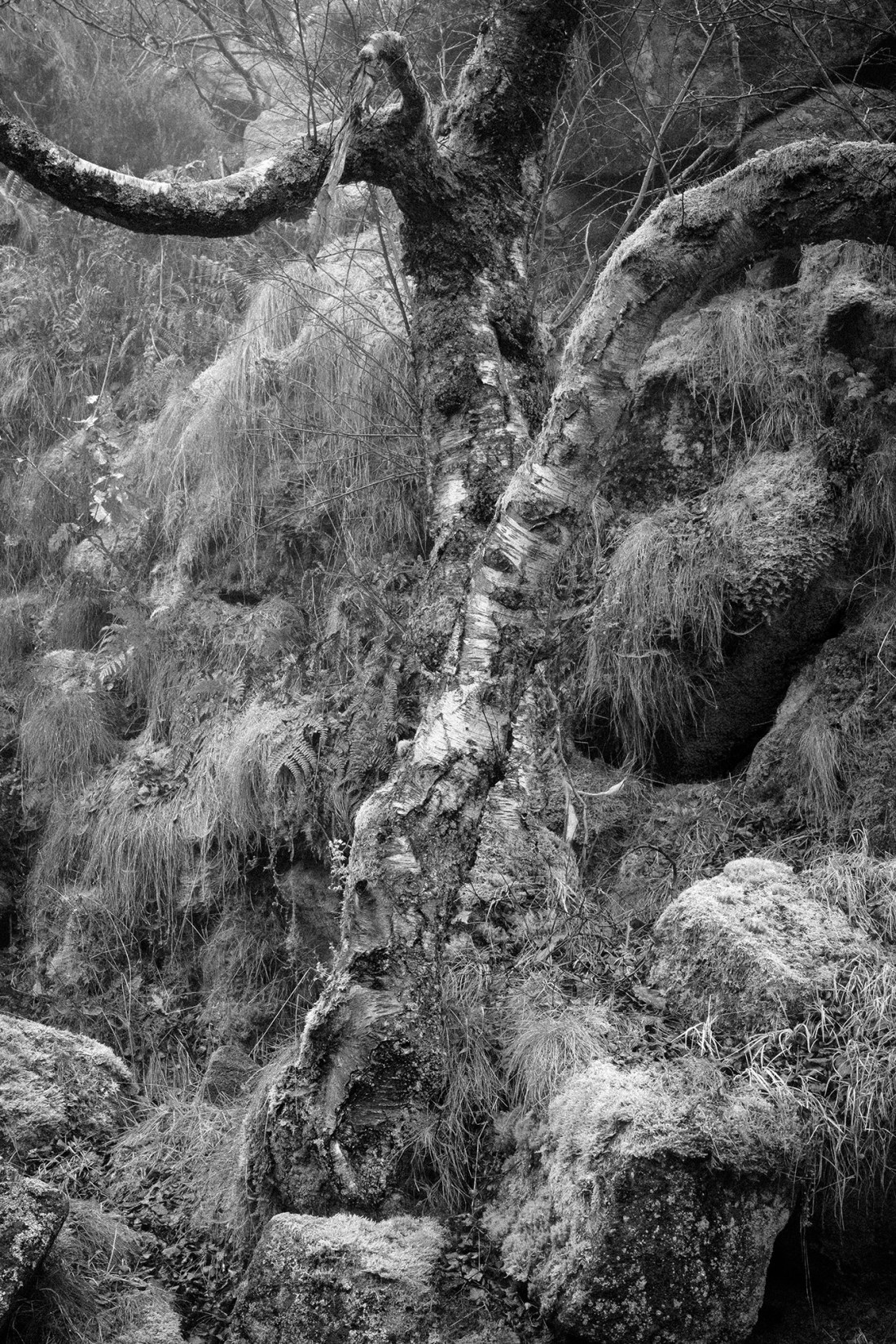
I can’t believe the time. I’ve been so wrapped up in my writing that I lost track and I haven’t posted a Friday image yet. I’m now feeling under pressure to pack up and see my wife (before she drinks all the wine) so I’m going to cheat a little. This week’s image is one … Continue reading Friday Image No. 168
How to use the Adjustment Brush in Lightroom

I’ve been hard at work over the past few weeks, writing a new book. The book’s all about getting the best results from the Lightroom Develop Module. What I’ve realised whilst writing is that many people struggle when it comes to making selections using Lightroom. Whilst they can create simple selections, if it’s a little … Continue reading How to use the Adjustment Brush in Lightroom
Friday Image No. 167
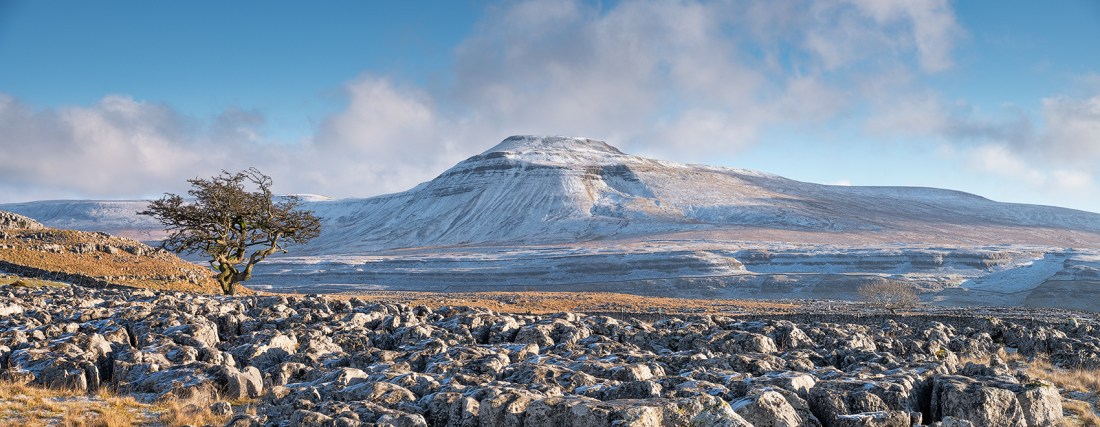
I don’t know what the weather’s been recently for you, but here it’s been dreadful. I haven’t been out properly with a camera since the start of January. And I’m not holding out much hope for the next couple of weeks either. It’s only when I look back over my photo’s trying to find a … Continue reading Friday Image No. 167
Creating Complex Mask Selection in Lightroom
If you’re a Lightroom user, you may feel that the selection tools aren’t great. They certainly lack the precision you can achieve in Photoshop. As I’ve been writing my latest book (not surprisingly it’s on Lightroom), I’ve been creating some increasingly complex and precise selections. Some even rival what you can achieve in Photoshop using … Continue reading Creating Complex Mask Selection in Lightroom
Can Affinity Photo Replace Photoshop?

It appears a lot of people are looking for a Photoshop alternative at present. One question that comes up increasingly is, can Affinity Photo replace Photoshop. Only the other day a book cover designer emailed me with this very question. Now the features needed for that work are a little different to photo editing, but … Continue reading Can Affinity Photo Replace Photoshop?
Walking with my Camera – Crowden

Yesterday the weather forecast was promising to be good. It was cold, around 2 degrees Celsius with sunny intervals. It looked ideal weather for a short walk with my camera and probably worth driving out a little. After flicking through a few walking books, we decided to drive over to Crowden. I suspect many of … Continue reading Walking with my Camera – Crowden
Friday Image No. 166
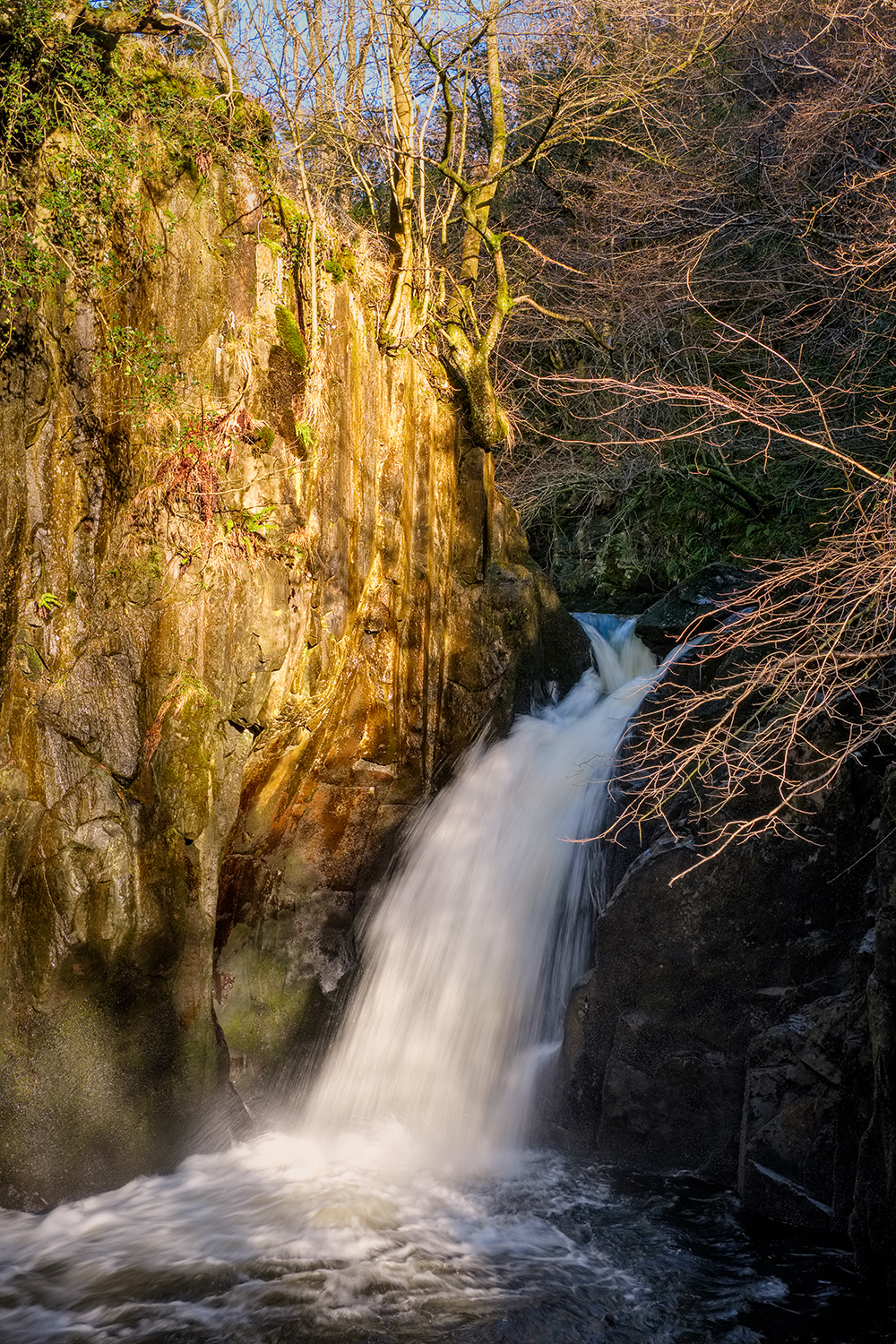
Earlier in the week I popped up the Motorway (a couple of hours) to the Yorkshire Dales. As the weather was nice we decided to do the Waterfalls Walk at Ingleton. We like the walk and often extend it by walking further up Whernside to explore the scar. Although I took plenty of shots from … Continue reading Friday Image No. 166
 The Lightweight Photographer