
It’s infrared landscape photography time again.
Actually, any time of the year can be good for infrared landscape photography. It’s just that in the summer months when the landscape doesn’t look as good for regular photography during the day, infrared can be a wonderful alternative.
I have a couple of infrared cameras. By infrared, I mean cameras that have been converted to photograph the infrared light spectrum. This involves removing the infrared cut filter that blocks infrared light from in front of the camera sensor. A replacement filter is then fitted to block the visible light spectrum.
More information is available in the Digital Infrared Photography article on my website.
Putting how it works aside, I love the look of infrared photography. A lot of the effect comes down to how you process it, but it’s not as difficult as many people would have you believe. Let’s look at a couple of examples.

This image was captured on a converted Olympus EM5. I processed it in Adobe Lightroom, converting it to black and white by applying the Adobe Monochrome colour profile. I then applied a contrast adjustment using the Pro Contrast filter in the Nik Collection (one of my essential Nik Filters). Then, I added the halation effect (glowing highlights) using an infrared film preset in Exposure X7. That’s it.
I’m frequently asked to explain my infrared processing as if there is some secret that I’m not sharing, but there isn’t. The workflow I’ve outlined above is what I use with most of my images, perhaps adding a little dodging and burning through a Luminosity Mask in Photoshop (see my Luminosity Masking book).
Here’s another example.
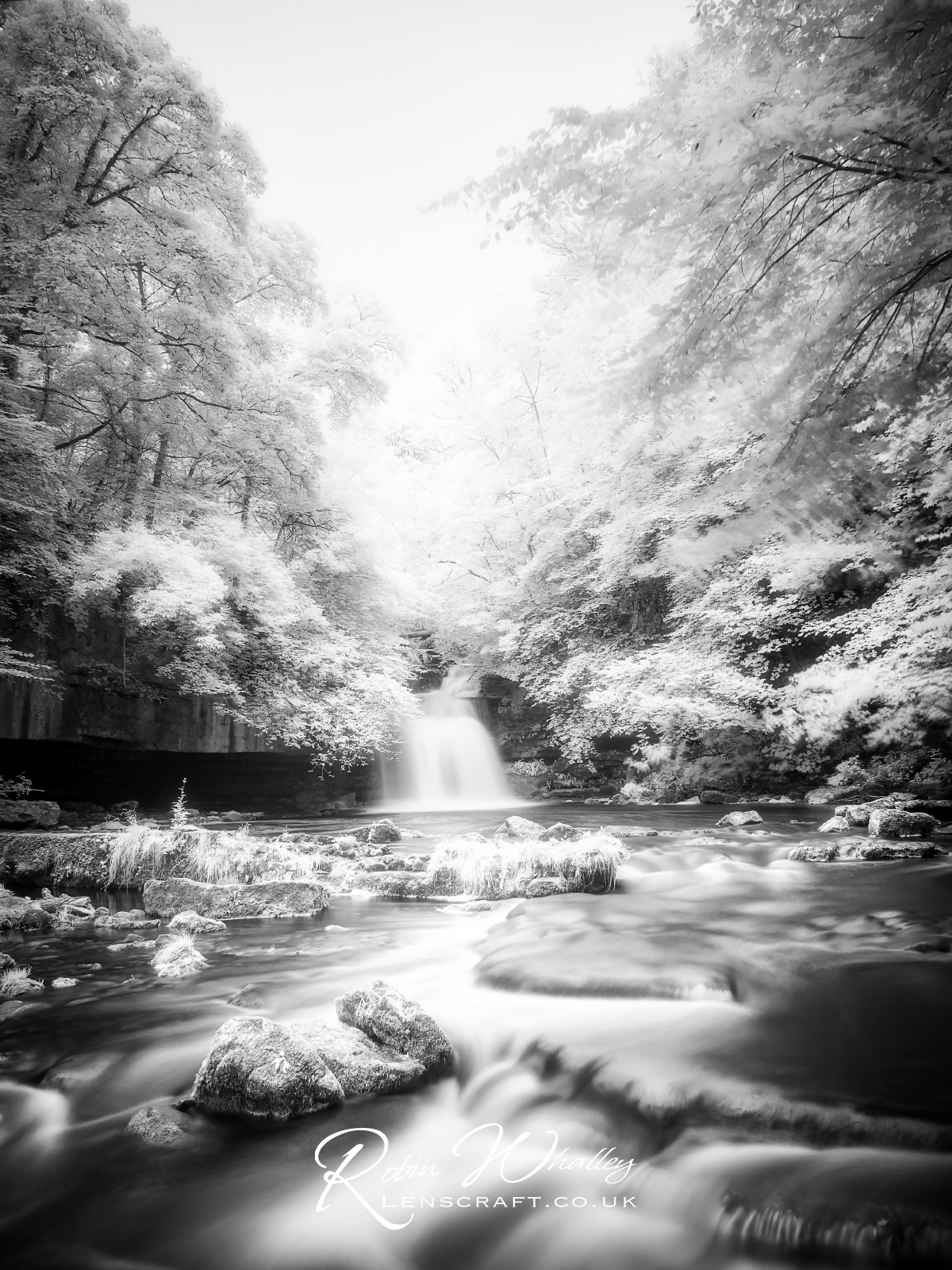
This was also shot on the EM5 and uses the same workflow steps mentioned above. It is converted to B&W using the Adobe Monochrome Profile in Lightroom, followed by a contrast adjustment with the Nik Collection. Finally, the glowing highlights with Exposure X7 are added by applying one of the infrared film presets.
One final example was again captured with the EM5 and processed using the same workflow.

I hope you like the photos and have a great weekend.
 The Lightweight Photographer
I wonder if a similar effect can be obtained with a mirrorless camera fitted with a screw-on infrared filter.
Yes you can, but you need to use a tripod. The infrared filter will slow the shutter speed a lot because the IR cut filter hasn’t been removed.
Thanks Robin!
Thanks for your website. You give great ideas to how to process images using different software.
You also provide some great photo locations. Thanks
Thanks. I’m glad you like it.